df <- read_csv("very_but_really_very_large_file.csv")Working with Data Like a Computational Urban Scientist
Before we begin: a familiar mistake
Let’s start with a scene you probably recognize. You get a new dataset. It looks interesting. It looks important.
So you do what you’ve always done:
in R, of in Python,
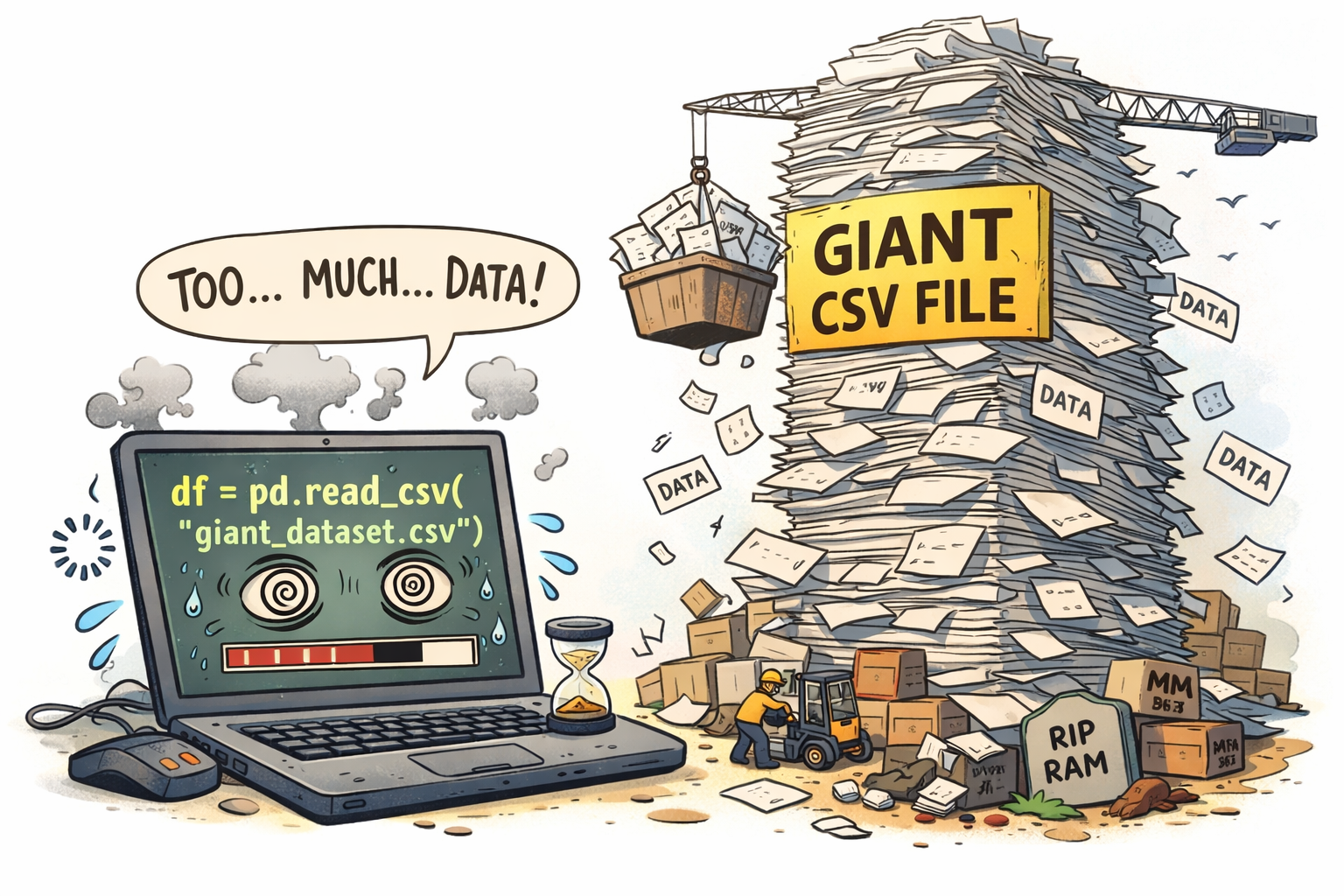
df = pd.read_csv("very_but_really_very_large_file.csv")And for a brief, hopeful moment… everything seems fine.
Then:
- Your laptop fan takes off 🚁
- Memory usage spikes 📈
- RStudio freezes
- Or the kernel quietly dies without saying goodbye
This is not a bug. This is not bad luck. This is a mismatch between your mental model and the data you are working with.
Here is the uncomfortable truth we need to accept early in this course:
read_csv() is not going to save you in Computational Urban Science.
The reason is simple: the datasets we will be working with in this course are too large to fit into memory.
When you use read_csv() or pd.read_csv(), what happens under the hood is that the entire dataset is loaded into your computer’s RAM (Random Access Memory). If the dataset is larger than the available RAM, your computer will struggle to handle it, leading to crashes or extremely slow performance. This is particularly bad in languages like R and Python, which are not optimized for handling datasets that exceed memory limits.
In computational urban science (and computational social science, in general), we routinely work with:
- Millions to billions of rows
- Hundreds of columns
- Data split across many files
- Data that cannot fit comfortably in memory
- Data that we want to query, not just load
At that point, the question is no longer “How do I read a file?” The question becomes:
How do I interact with data that lives on disk as if it were a database?
Enter Parquet: data that is meant to be queried
Before talking about how data can be queried instead of loaded, we need to talk about how store data in a way that is efficient for querying.
The CSV (Comma-Separated Values) format is a simple text-based format that is easy to read and write. However, it has several limitations when it comes to handling large datasets:
- It is row-based: to read one column, you must scan the entire file.
- It has no native types: everything is text until parsed.
- It does not support efficient compression and fast access.
- It does not scale well to multi-file datasets.
For modern computational urban science, we want a format that is:
- Efficient on disk
- Fast to query
- Column-aware
- Designed for analytics, not spreadsheets
That format is Parquet.
What is Parquet?
Parquet is a columnar storage format designed for large-scale data analytics.
Instead of storing data row by row:
| id | name | country | latitude | longitude |
|---|---|---|---|---|
| 1 | Alice | USA | 34.05 | -118.25 |
| 2 | Bob | UK | 51.51 | -0.13 |
| 3 | Carol | USA | 40.71 | 74.00 |
Parquet stores data column by column, grouping values from the same column together on disk and encoding them efficiently to enable fast analytical queries and high compression.
This has huge consequences:
- If you only need
nameandcountry, Parquet reads only those columns. - Compression is far more effective (similar values sit next to each other).
- Queries like filtering and aggregation become much faster.
In short:
Parquet is optimized for “read some columns, some rows” — exactly what analysts do.
From files to datasets
Another key idea: Parquet is designed to work with many files at once.
Instead of thinking:
“I have one file”
You should think:
“I have a dataset made of many files”
A folder like this:
places/
├── part-0001.parquet
├── part-0002.parquet
├── part-0003.parquet
└── …
is not a mess — it is how Parquet datasets are structured, but breaking up large tables into smaller files.
Modern tools treat this entire folder as one logical table that can be queried efficiently. This is the foundation of modern “data lake” architectures.
So what are Arrow and DuckDB?
Parquet is just a file format. To work with it efficiently, we need engines that understand it.
Two such engines are Arrow and DuckDB.
Arrow: dplyr on data that lives on disk
Apache Arrow is a cross-language framework for columnar data.
In R, {arrow} lets you:
- Open Parquet files without loading them into memory.
- Use familiar
dplyrverbs (filter,select,group_by,summarise). See here. - Push computation to disk.
- Explicitly decide when to bring data into RAM using
collect().
In Python, {pyarrow} provides similar functionality, but polars is often used as a more pandas-like interface with Parquet support.
Arrow is ideal when:
- You like the tidyverse or pandas style of data manipulation.
- You want a smooth R-native or python-native workflow.
- You mostly do filtering, aggregation, and transformations.
Conceptually:
Arrow lets you pretend your data is in memory — until it actually needs to be.
DuckDB: a database engine that runs inside R or Python
DuckDB is an analytical SQL database designed to run embedded in your process.
Think of it as:
SQLite for analytics — but columnar, vectorized, and very fast
DuckDB can:
- Query Parquet files directly (no import step)
- Execute complex SQL queries
- Perform large joins efficiently
- Return results to R or Python when you ask for them
DuckDB is ideal when:
- You think in SQL
- You need complex joins
- You want explicit control over query execution
Importantly:
Arrow and DuckDB are not competitors — they are complementary tools.
The workflow we will use in this course
Throughout the course, the mental model will be:
- Store data in Parquet
- Query it using Arrow or DuckDB
- Reduce it to analysis-ready size
- Only then collect it into memory
- Do modeling, visualization, or inference
This is how you scale from toy examples to real urban data.
Example: finding McDonald’s locations in the US
Let’s make this concrete using Foursquare Open Source Places, a large, global dataset of points of interest (POIs) covering millions of locations around the world. The dataset includes businesses, services, and public places—such as restaurants, stores, schools, and transportation hubs—along with geographic coordinates and rich metadata (e.g., place names, administrative regions, and categories).
Crucially for this course, the data is distributed as parquet files in /data/CUS/FSQ_OS_Places. Rather than a single file, the dataset is organized as a collection of parquet files. Let’s use arrow or Duckdb to query it.
Using Arrow
library(arrow)
library(dplyr)

# Open many parquet files as one dataset
pois <- open_dataset(
  Sys.glob("/data/CUS/FSQ_OS_Places/places/*.parquet"),
  format = "parquet"
)
We can get some information about the table. For example, how many places do we have?
dim(pois)[1] 104511073 23Query on disk, collect at the end. For example, let’s get the number of McDonald’s by state:
mcd_by_state <- pois %>%
  filter(country == "US", name == "McDonald's") %>%
  filter(!is.na(latitude), !is.na(longitude)) %>%
  group_by(region) %>%
  summarise(n_mcdonalds = n()) %>%
  arrange(desc(n_mcdonalds)) %>%
  collect()

head(mcd_by_state, 10)
# A tibble: 10 × 2
region n_mcdonalds
<chr> <int>
1 CA 1614
2 TX 1575
3 FL 1099
4 IL 844
5 NY 812
6 OH 762
7 PA 671
8 MI 642
9 GA 600
10 NC 597What is happening here?
- Nothing is loaded when we call open_dataset()
- Filtering, column selection, and grouping happen inside Arrow
- Only the final, much smaller result is loaded into memory
Same idea using DuckDB
Open the connection
library(DBI)
library(duckdb)
# Connect to an in-memory DuckDB instance
con <- dbConnect(duckdb::duckdb(), dbdir = ":memory:")
Define the query
query <- "
  SELECT
    region,
    COUNT(*) AS n_mcdonalds
  FROM parquet_scan('/data/CUS/FSQ_OS_Places/places/*.parquet')
  WHERE country = 'US'
    AND name = 'McDonald''s'
    AND latitude IS NOT NULL
    AND longitude IS NOT NULL
  GROUP BY region
  ORDER BY n_mcdonalds DESC
"
Run the query and get results
mcd_by_state <- dbGetQuery(con, query)
head(mcd_by_state, 10)
region n_mcdonalds
1 CA 1614
2 TX 1575
3 FL 1099
4 IL 844
5 NY 812
6 OH 762
7 PA 671
8 MI 642
9 GA 600
10 NC 597Different syntax, same philosophy: Query first. Load later.
Final takeaway
If you remember one thing from this tutorial, let it be this:
In computational urban science, you don’t read data — you query it.
Once datasets outgrow memory, the old habit of calling read_csv() quietly stops working. Using Parquet files together with Arrow and DuckDB allows you to work with datasets that are far larger than your computer’s RAM, enabling efficient analysis of real, large-scale urban data.
Your RAM will thank you; your laptop fan will stay quiet; And you are now officially doing Computational Urban Science. 🎓🏙️
Happy querying! 🚀